4 days in Tokyo — save this!
Day 1: Asakusa, Senso-ji, then sunset at Tokyo Skytree
Day 2: Meiji Shrine, Harajuku, Shibuya Crossing at night
Day 3: Tsukiji Outer Market breakfast, teamLab, Odaiba
Day 4: Shinjuku Gyoen, ramen in Shinjuku
 BeforeGo
AI itinerary planner for iPhone
BeforeGo turns a travel post, a link or your own notes into a day-by-day trip plan, then writes the packing list from your destination and dates: plugs, currency, entry rules and transit apps included.

On a computer? Scan this with your iPhone camera to download the app.

Say you saved a post about four days in Tokyo. This is the shape of what BeforeGo files it into: the days, the places, and the to-dos before you go.
4 days in Tokyo — save this!
Day 1: Asakusa, Senso-ji, then sunset at Tokyo Skytree
Day 2: Meiji Shrine, Harajuku, Shibuya Crossing at night
Day 3: Tsukiji Outer Market breakfast, teamLab, Odaiba
Day 4: Shinjuku Gyoen, ramen in Shinjuku
Tokyo4 days
Screenshot a travel post, paste a link or just type your plans. A scanned ticket or booking confirmation lands on the plan too.
The places worth seeing, the to-dos before you go and each day the post lays out are filed into a day-by-day plan. Every import is listed under its trip, and any line it added can be removed.
The packing list writes itself from your destination and dates, with reminders 7 days, 3 days, 24 hours and 3 hours before departure.
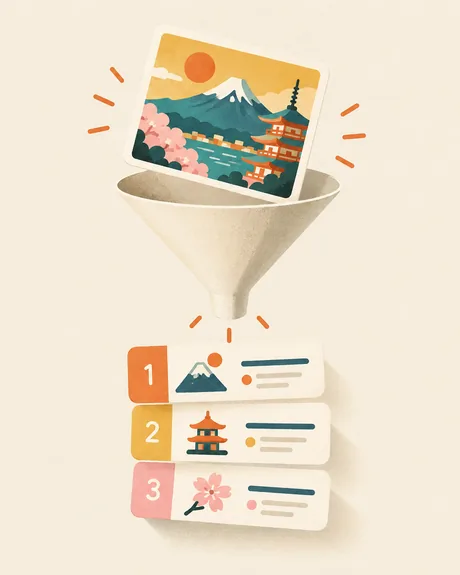
Screenshot a travel post, paste a link or just type your plans, and BeforeGo files it into a day-by-day plan: the places worth seeing, the to-dos before you go, and each day the post lays out.
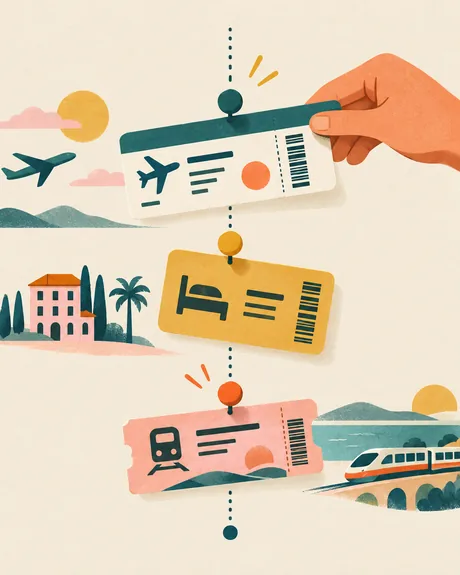
Scan a ticket or booking confirmation and it lands on the plan. Bookings keep a price and currency, and include shows and events, transfers and rental cars.
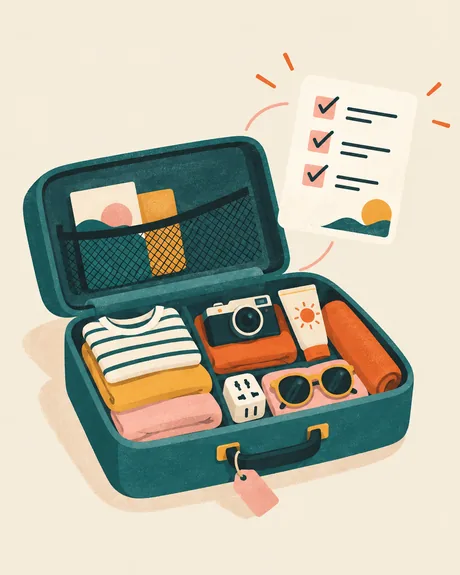
Plugs, currency, entry rules and transit apps for where you are going, generated from your destination and dates, with reminders 7 days, 3 days, 24 hours and 3 hours before you leave.
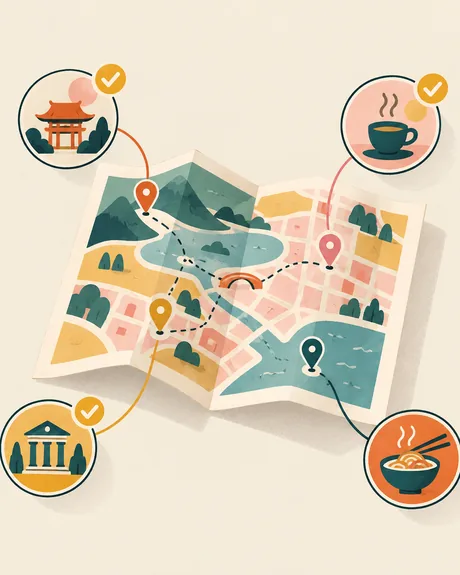
The places you save become a trip checklist — spots, food and experiences to check off as you go — and a day of stops sorts itself into the shortest walking route.
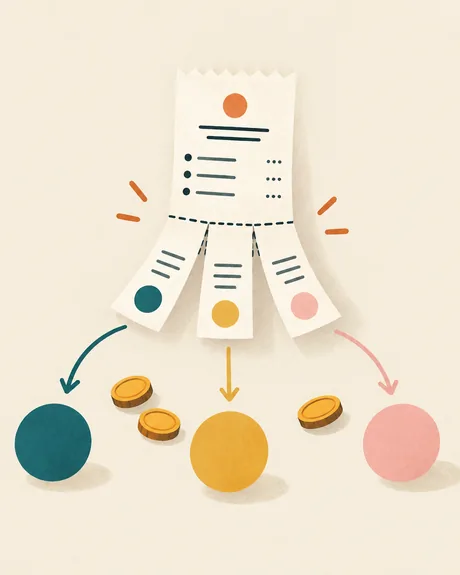
Add expenses in the trip's currencies, choose who paid and split each bill across the people traveling. Photograph a receipt to fill an expense, and Settle up shows the shortest way to clear the balances.

Photos, notes and voice memos kept by trip, a printable memories album, and forgotten items that carry over so the next packing list starts smarter.

Countdown and checklist widgets keep the trip in view without opening the app.
Screenshot a travel post, paste a link, or just type your plans, and BeforeGo files it into a day-by-day trip plan: the places worth seeing, the to-dos before you go, and each day the post lays out. Scan a ticket or booking confirmation and it lands on the plan too. Meanwhile the packing list writes itself from your destination and dates.
Free to start — no ads, no account required. Premium unlocks everything; if you would rather not subscribe, a one-time lifetime purchase is available.
BeforeGo is made for personal travel organization. It does not replace official visa, safety, health, airline, or government guidance; always verify important requirements with official sources before you travel.
BeforeGo Premium (auto-renewing subscription) A subscription unlocks all premium features: • Monthly plan — billed every 1 month • Yearly plan — billed every 1 year The exact price is shown on the purchase screen before you confirm; a one-time lifetime unlock is also available.
Payment is charged to your Apple Account at confirmation of purchase. The subscription renews automatically unless auto-renew is turned off at least 24 hours before the end of the current period. Your account is charged for renewal within 24 hours before the current period ends. You can manage or cancel your subscription anytime in your App Store account settings.
A redesigned introduction to BeforeGo, with smoother animations showing AI trip planning, departure checklists, travel tools and memories.
It files what it finds into a day-by-day trip plan: the places worth seeing, the to-dos before you go, and each day the post lays out. A pasted link or typed plans work the same way, and a scanned ticket or booking confirmation lands on the plan too.
Yes. The packing list writes itself from your destination and dates — plugs, currency, entry rules and transit apps for where you are going — grouped by category or by timeline, with packing reminders at 7 days, 3 days, 24 hours and 3 hours before departure.
Yes. Forgotten items carry over, so the next packing list starts smarter.
No. Free to start — no ads, no account required.
Ten: English, 简体中文, 繁體中文, 日本語, 한국어, Français, Deutsch, Italiano, Português and ไทย.
Premium is an auto-renewing subscription, monthly or yearly. A one-time lifetime unlock is also available. The exact price is shown on the purchase screen before you confirm.
No. BeforeGo is made for personal travel organization and does not replace official visa, safety, health, airline or government guidance. Always verify important requirements with official sources before you travel.
Partly. Text recognition runs on your iPhone, but turning a screenshot, text or link into a plan uses a cloud AI provider, so what you add is sent for processing, and only when you ask for an import. Photos are resized and re-rendered on your device first, which removes metadata such as GPS location. The Privacy Policy names the providers.
Place names are checked against the text BeforeGo found in your screenshot. Anything it cannot find there is flagged for you to double-check instead of being silently kept, and any line an import added can be removed.